1. What Virtual Try-On is designed to do
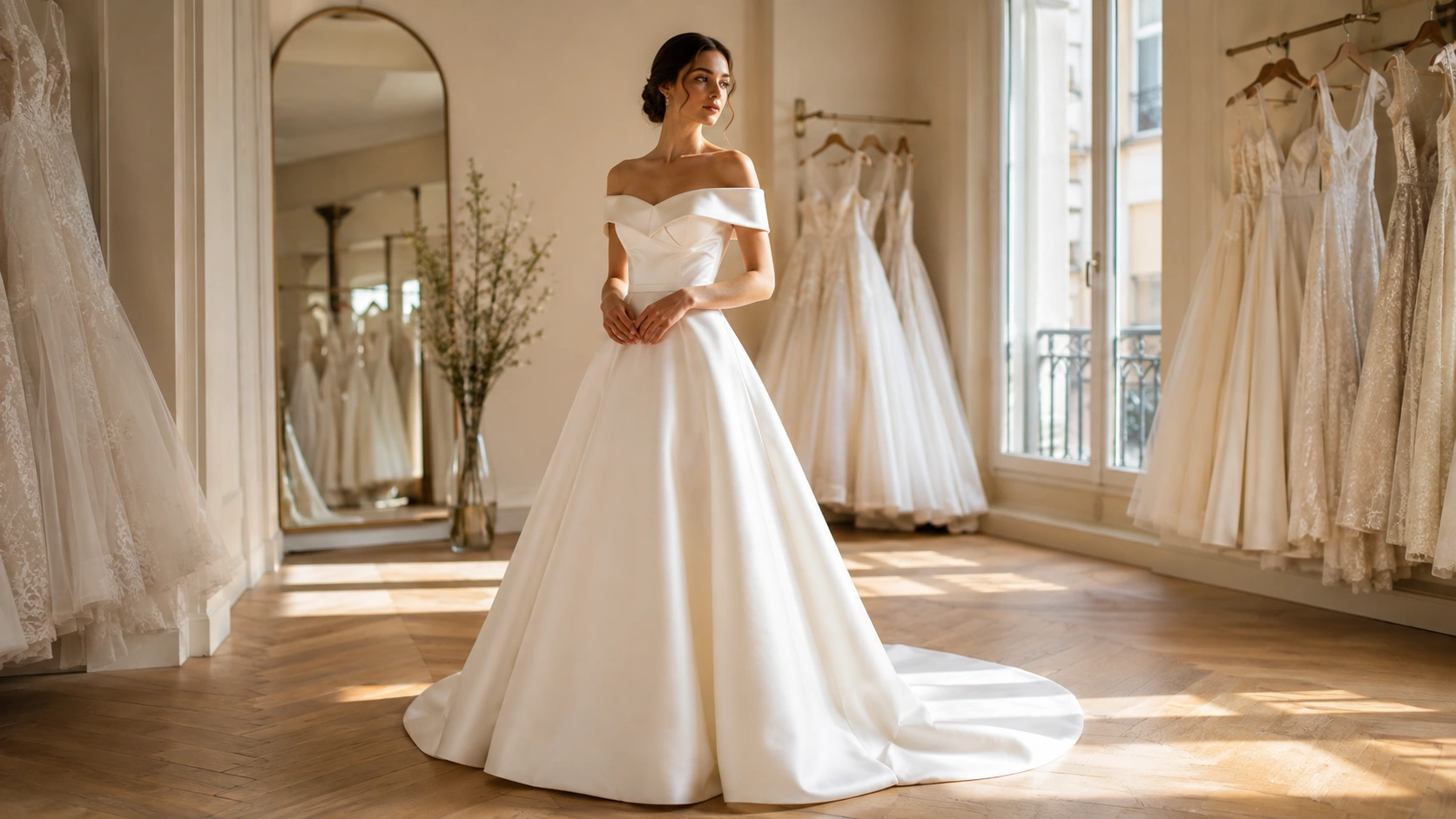
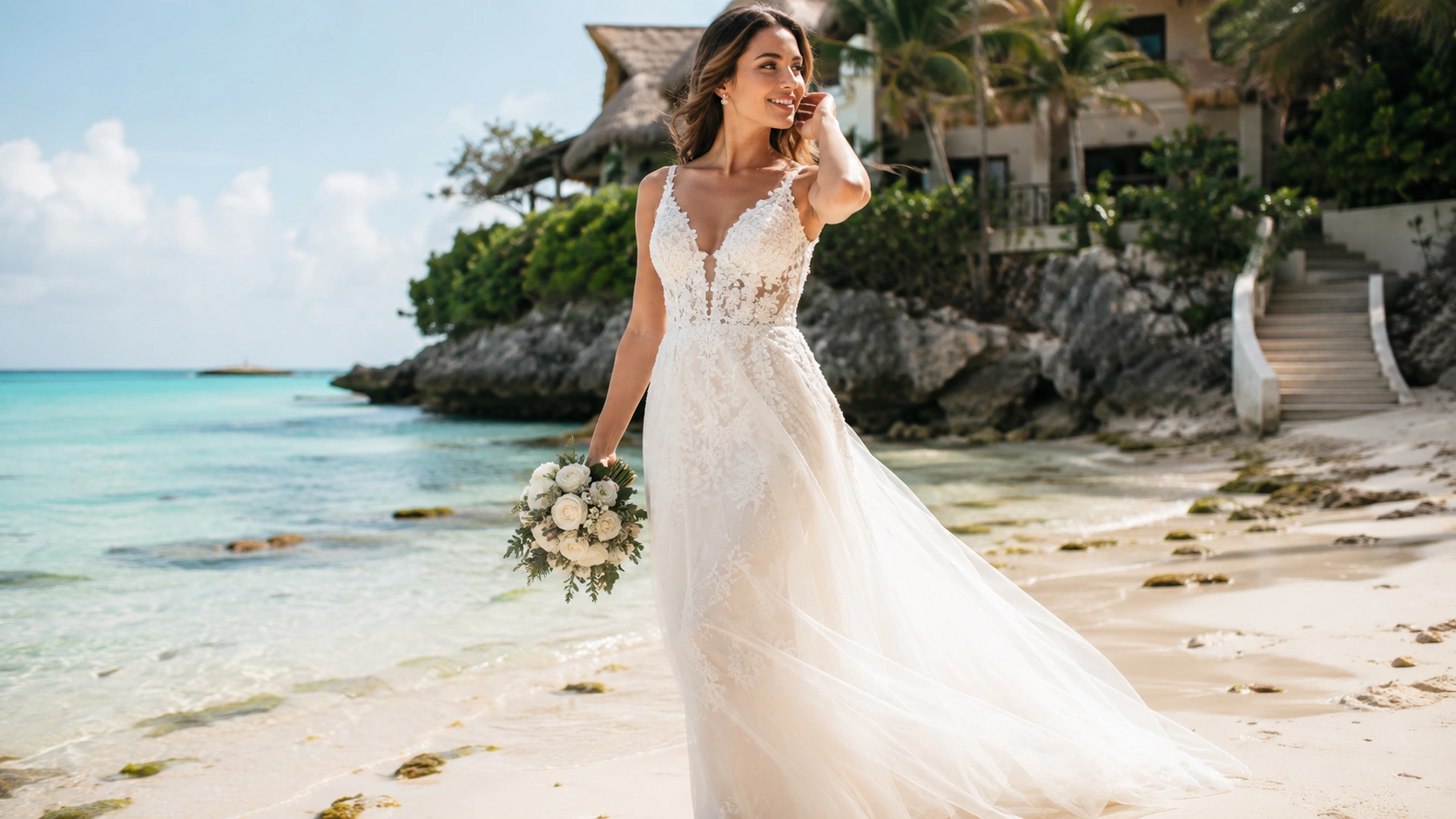
A generated try-on helps you imagine how a real salon gown may relate to your overall appearance. It is especially useful for comparing broad shapes, necklines and design directions before you invest time in appointments.
The strongest use is discovery: identifying what deserves a closer look.
2. Use a suitable source photo
A clear, front-facing, well-lit full-body image generally produces the most useful visualization. Avoid heavy filters, extreme angles, oversized clothing and backgrounds that obscure your outline.
Follow the platform's photo guidance and remember that the source image influences the result.
3. Understand what the image can show
Virtual Try-On can suggest proportion, colour direction and the relationship between your appearance and a gown's visible design. It can help reveal that a silhouette you dismissed may be worth trying.
It can also help you communicate with a salon by showing the type of look you want to explore.
4. Understand what it cannot guarantee
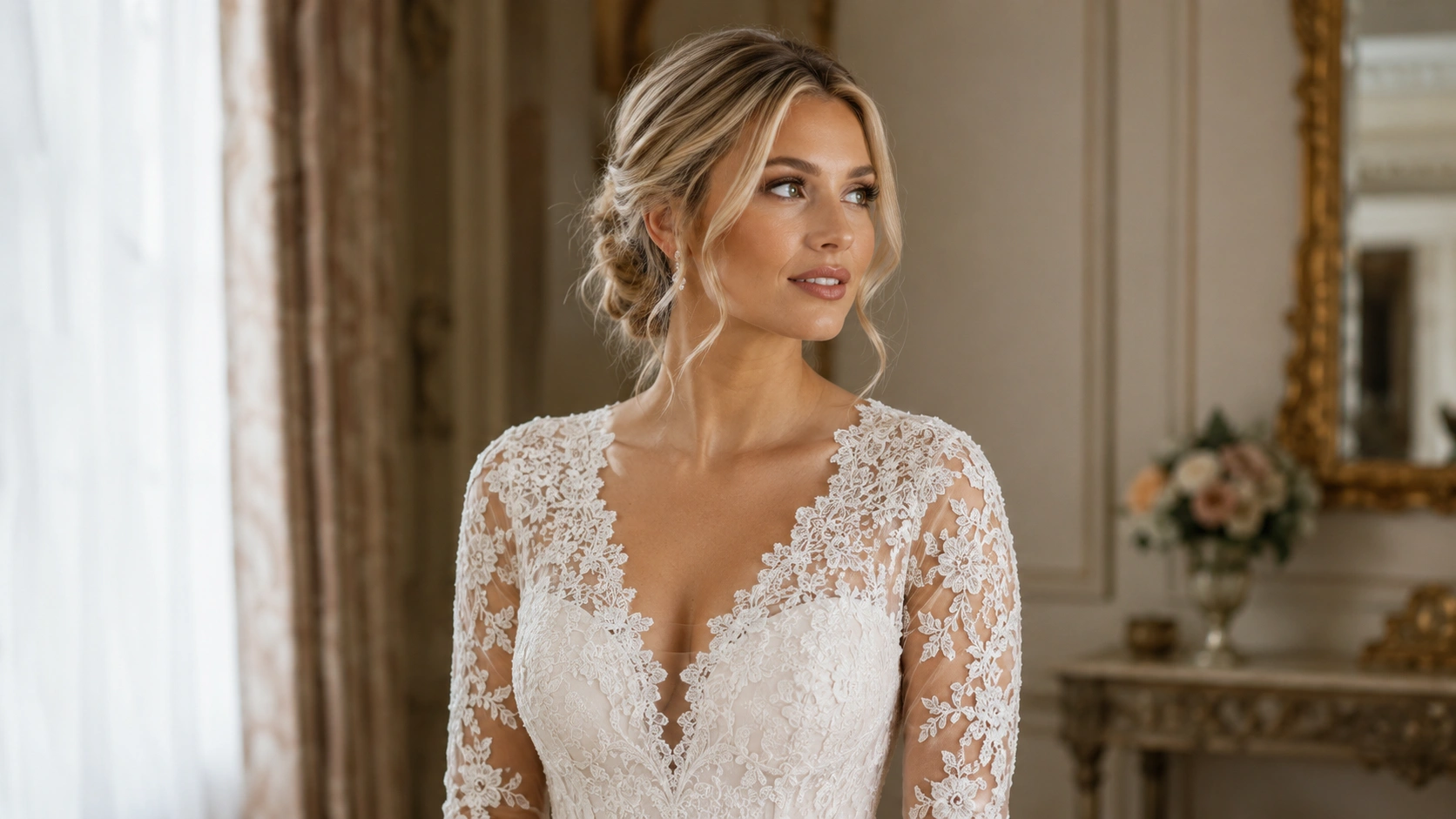
Generated images cannot determine exact sizing, support, comfort, fabric weight, internal structure or alteration needs. Fine lace, beading and colour may also appear differently from the real gown.
Only an in-person fitting can confirm how the garment moves and feels.
5. Compare thoughtfully
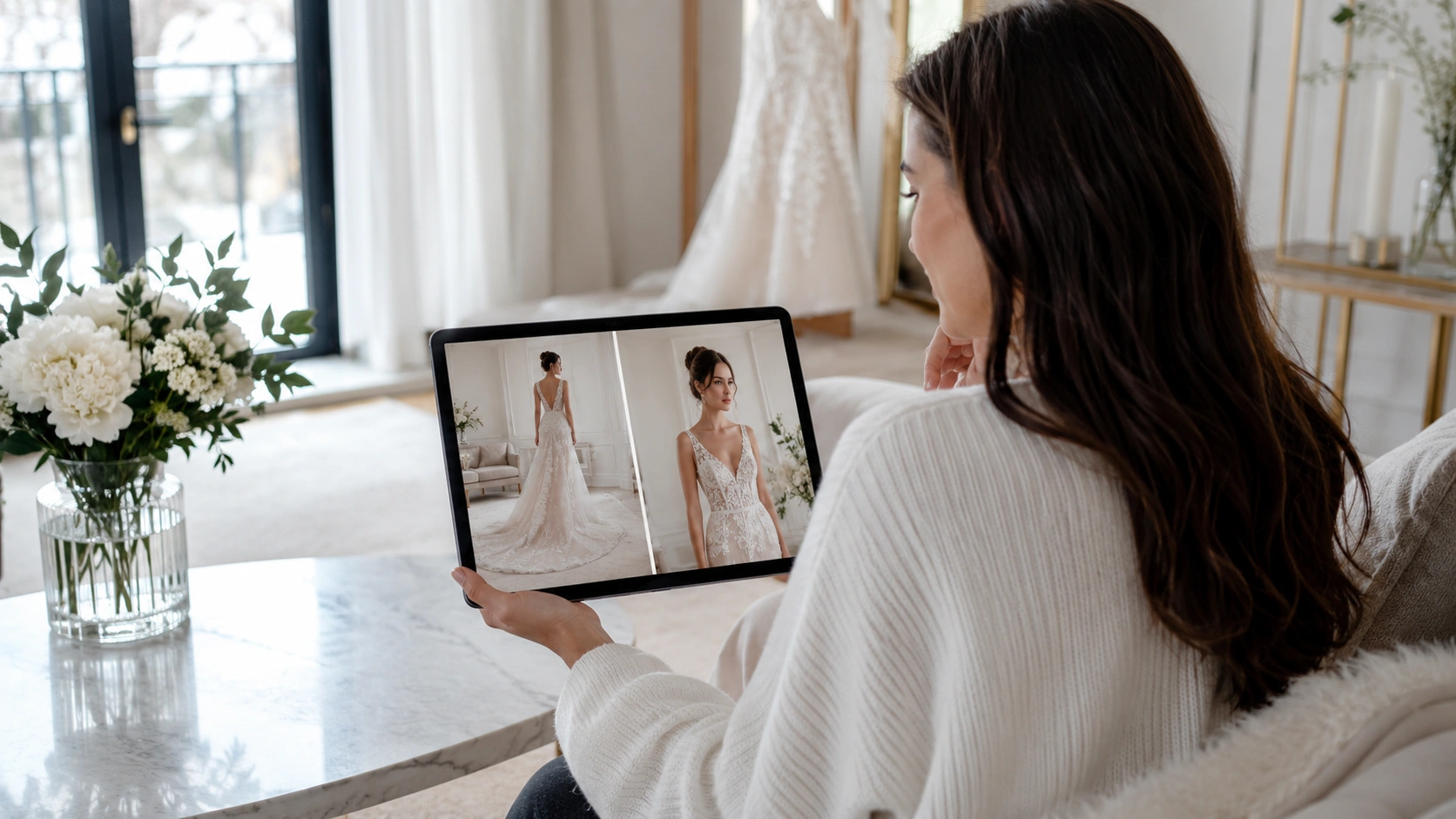
Review several results rather than making a decision from one image. Look for repeated preferences: perhaps you consistently favour a defined waist, open neckline or softer skirt.
Save the strongest results and note what you like about each one.
6. Move from visualization to the salon
When a gown interests you, view the salon details, confirm availability and request an appointment. Bring your saved results and Bridal Showcase preferences to the conversation.
Virtual Try-On should shorten the path to a more informed fitting, not replace the expertise of a bridal stylist.